
Privacy-first cleaning
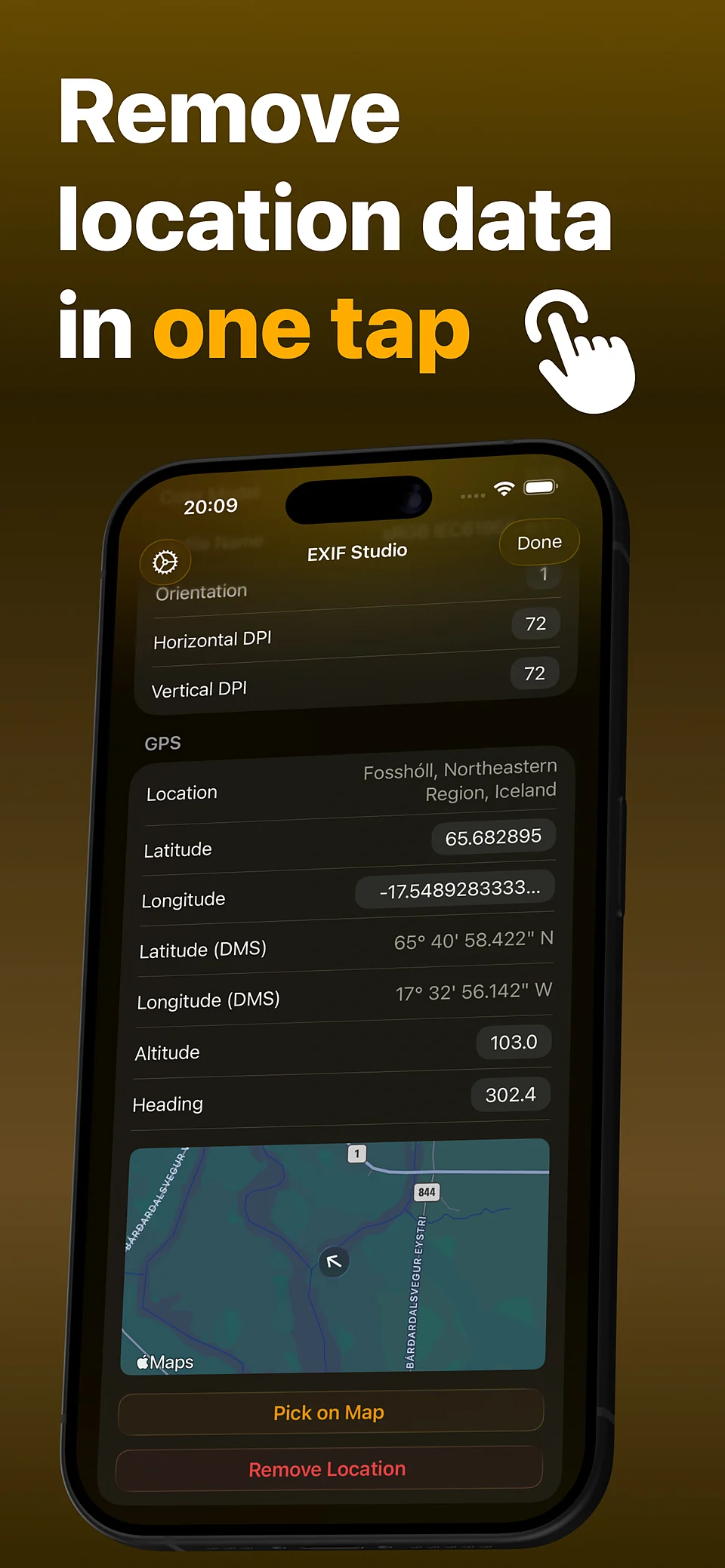
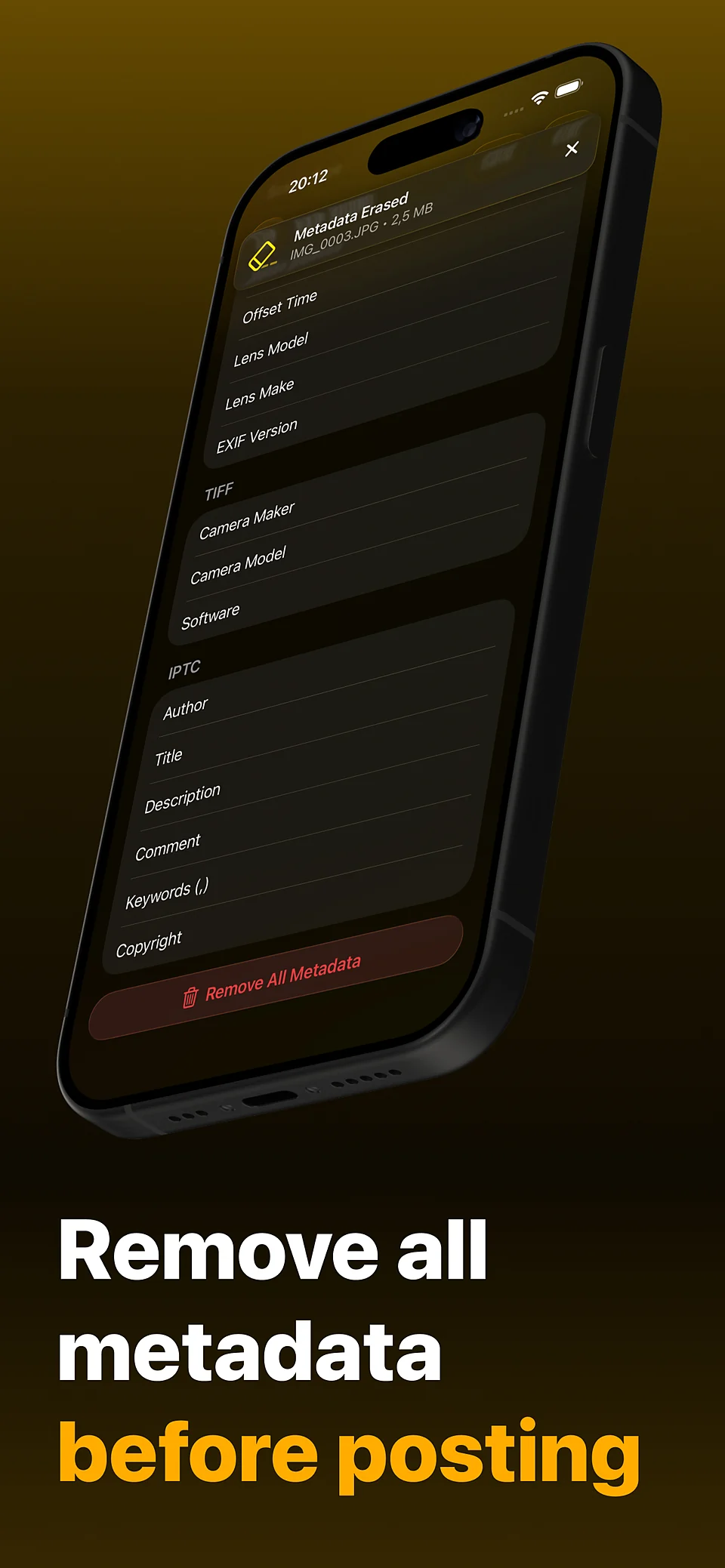
Remove every EXIF, IPTC, GPS and AI trace with a single tap.
EXIF Studio shows, edits and cleans EXIF, TIFF, IPTC and GPS in one screen before you share.
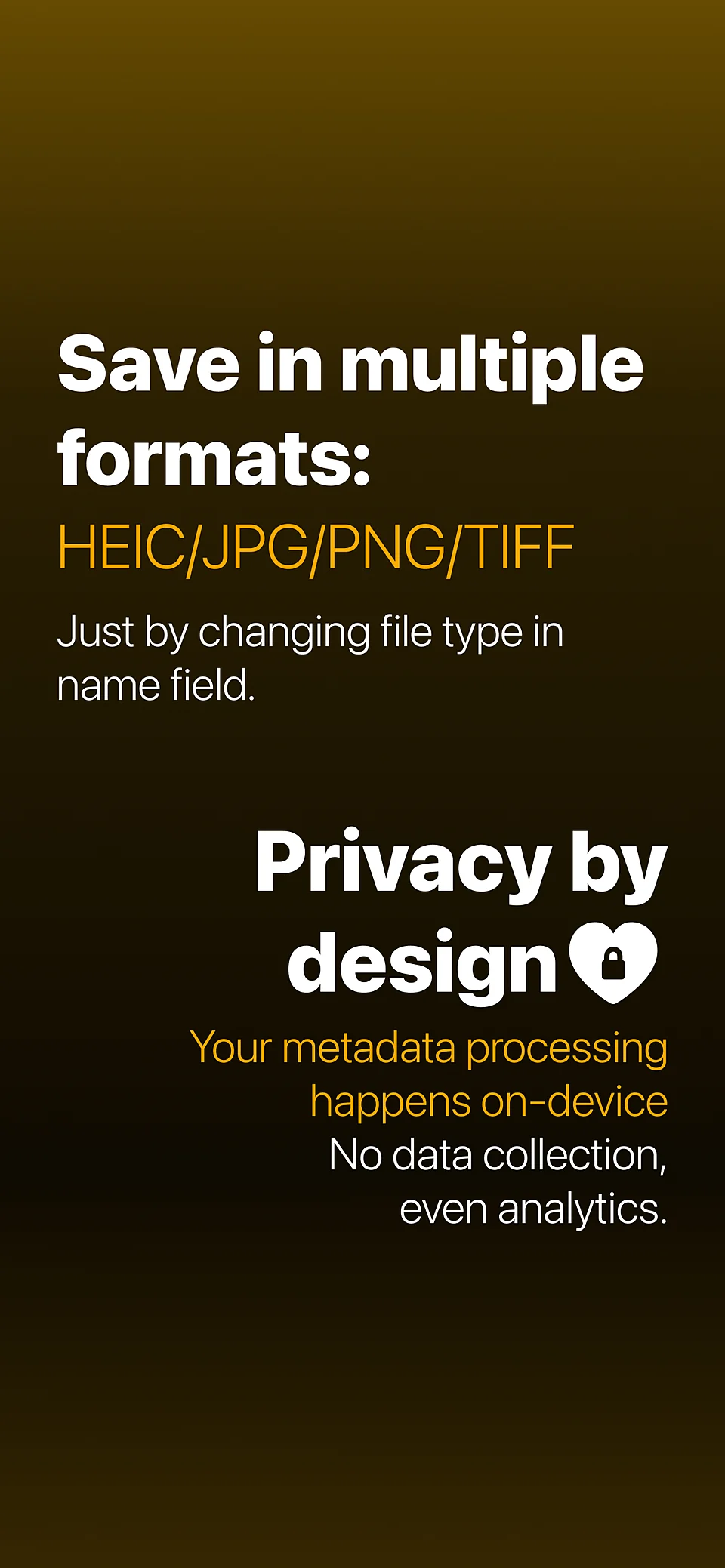
All processing happens on device; nothing leaves your phone.
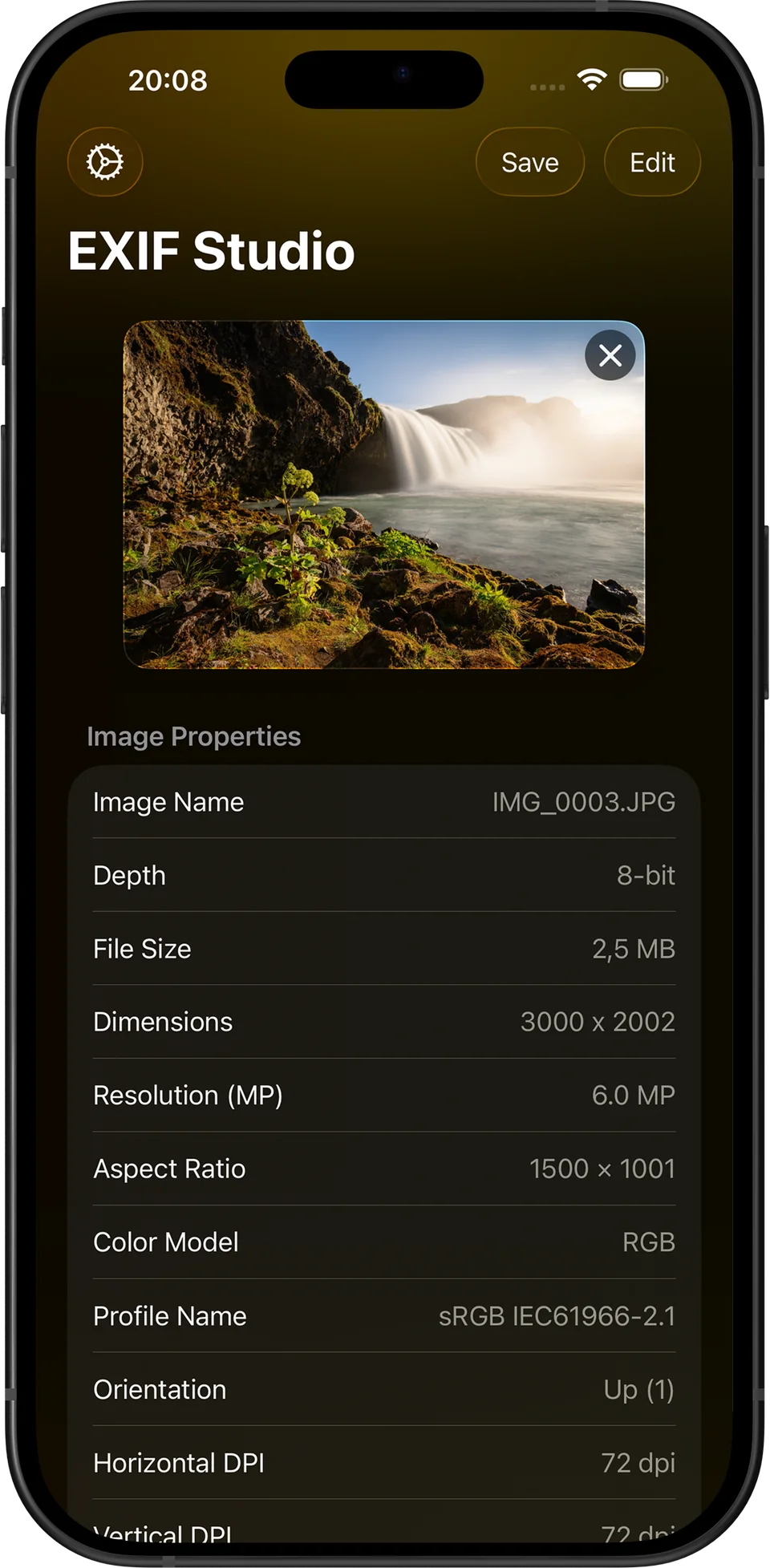
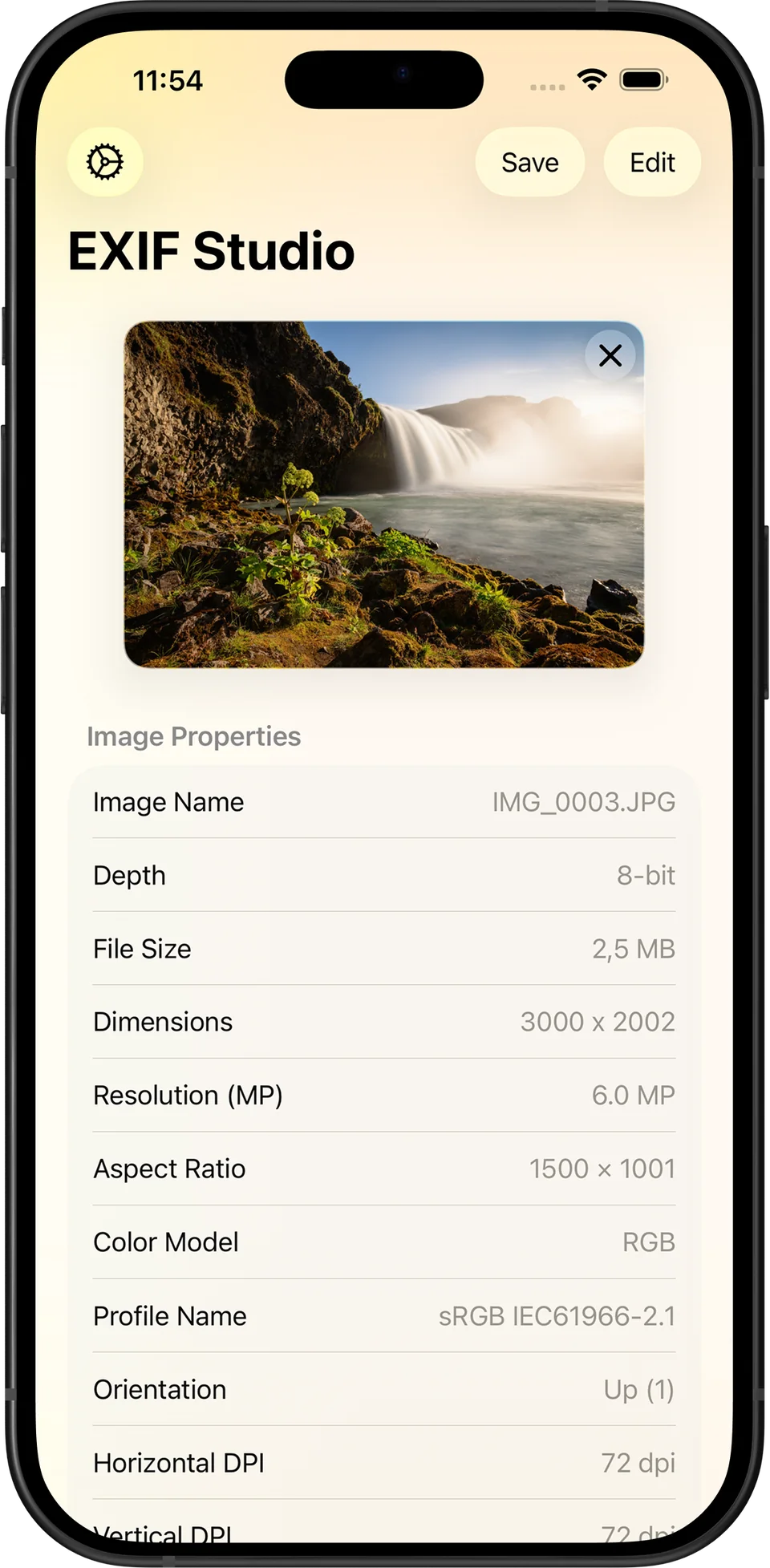
Surface every technical detail, then clean personal traces before sharing.
Remove every EXIF, IPTC, GPS and AI trace with a single tap.
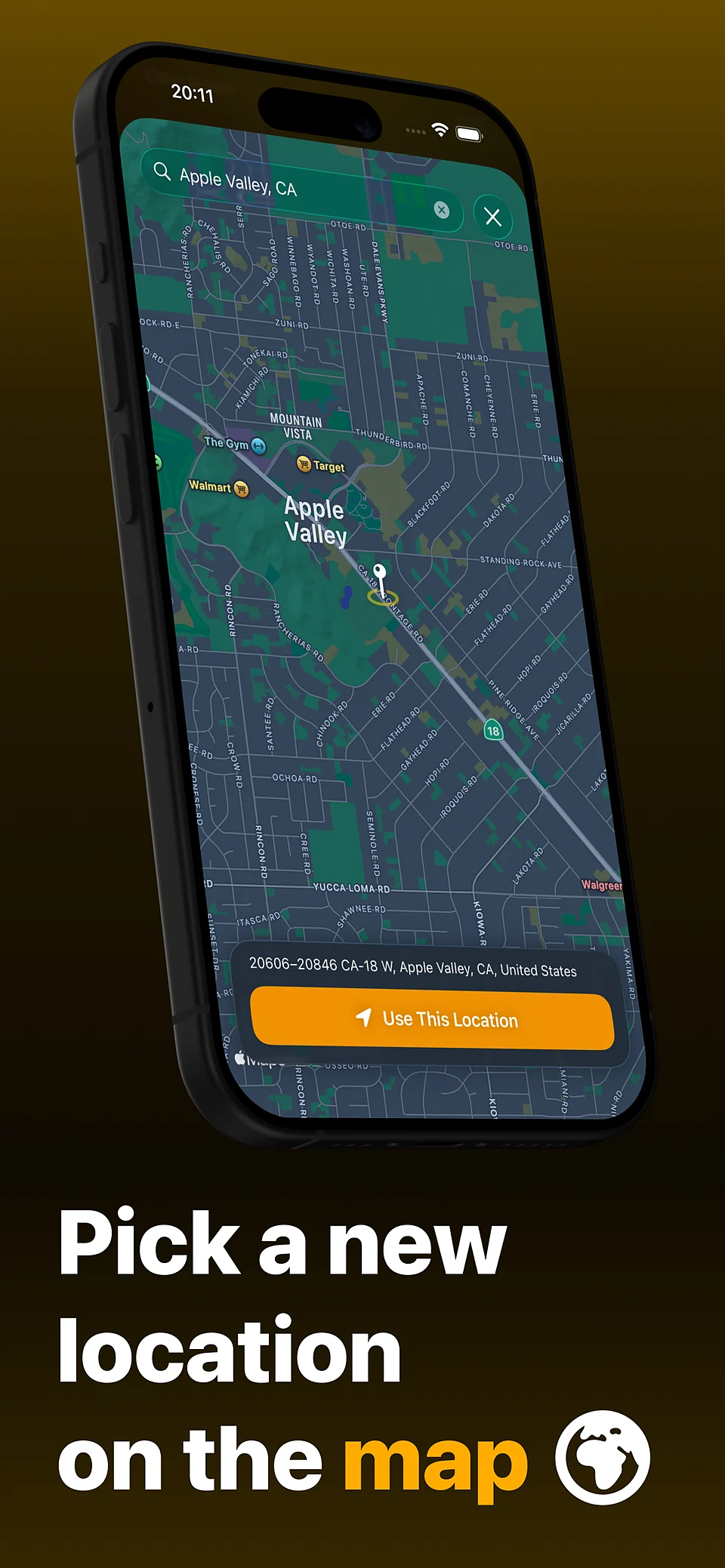
See the shot on a map, pick a new spot with address search, or remove GPS entirely.
Nearly 60 fields across EXIF, TIFF, IPTC and GPS, flash, orientation and more as named values instead of cryptic codes.
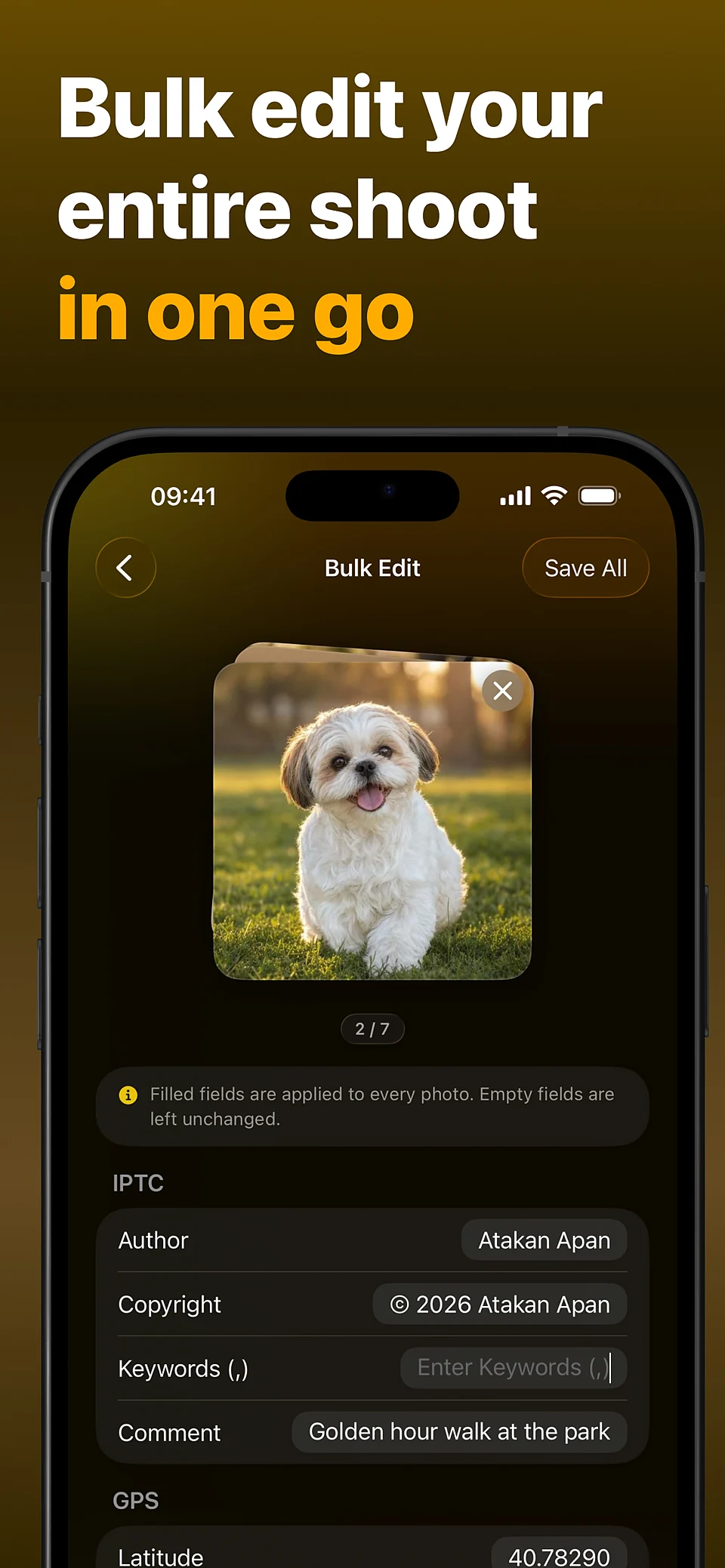
Author, copyright, captions and star ratings, keywords written as real XMP, and reusable presets.
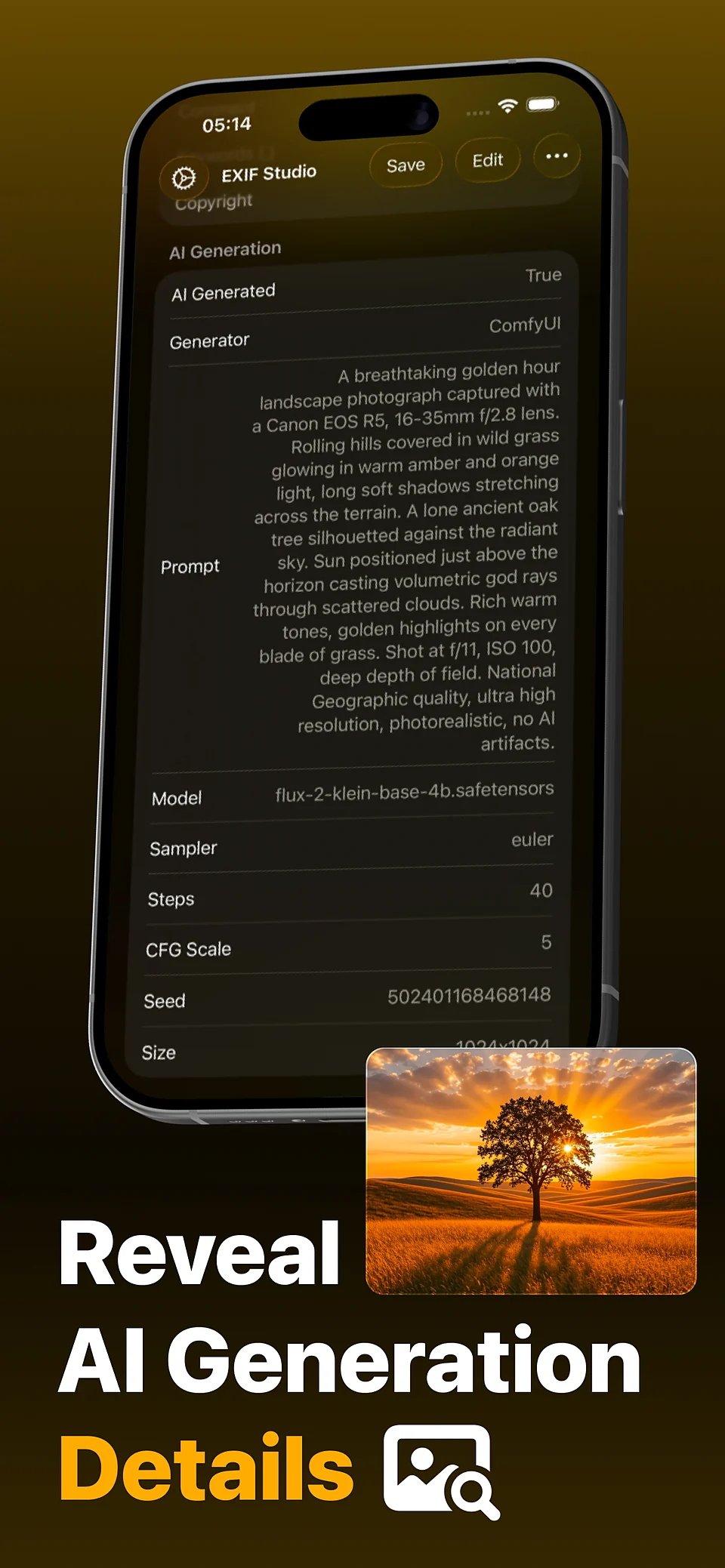
Reads Stable Diffusion (A1111), ComfyUI, Fooocus, InvokeAI and NovelAI parameters plus C2PA Content Credentials, and can mark photos as AI under the IPTC standard.
Fix copyright, keywords, dates or location across up to 30 photos in one pass, or strip them all at once.
Metadata is rewritten without re-encoding your pixels, every save is re-checked field by field, and Live Photos stay live.
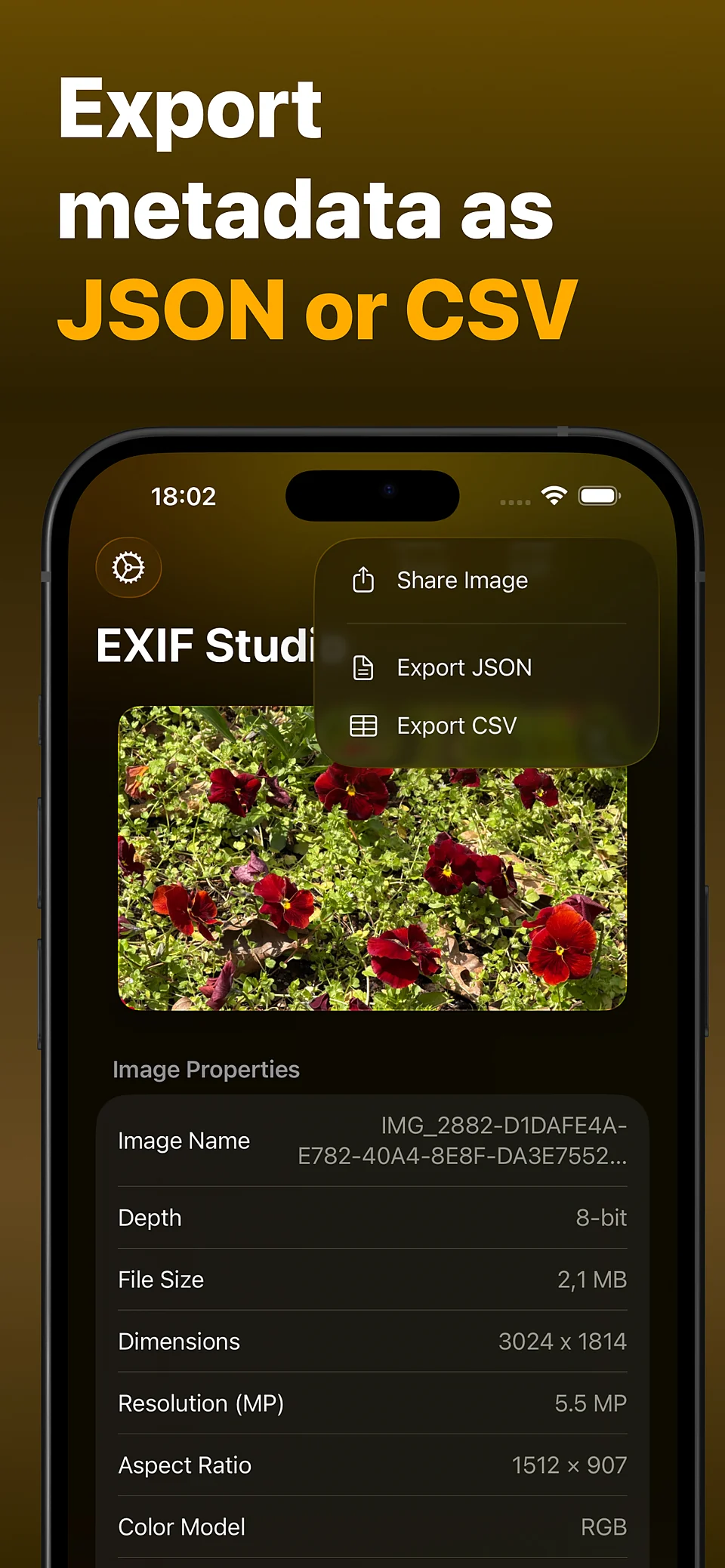
JPEG, PNG, HEIC and TIFF. Import from any app's share sheet, export JSON or CSV, on iPhone and iPad in 8 languages.
Nine screens, the whole story, shown in your language.
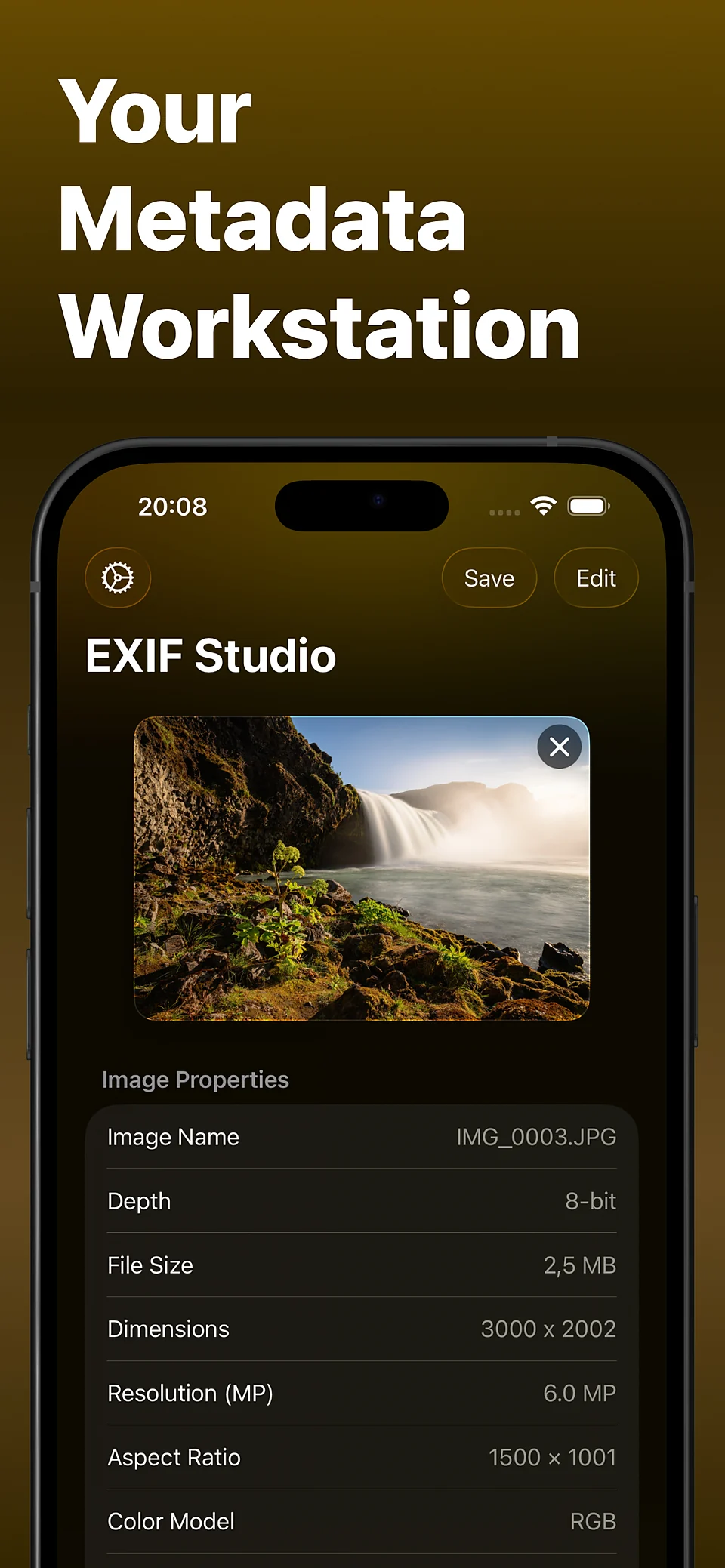
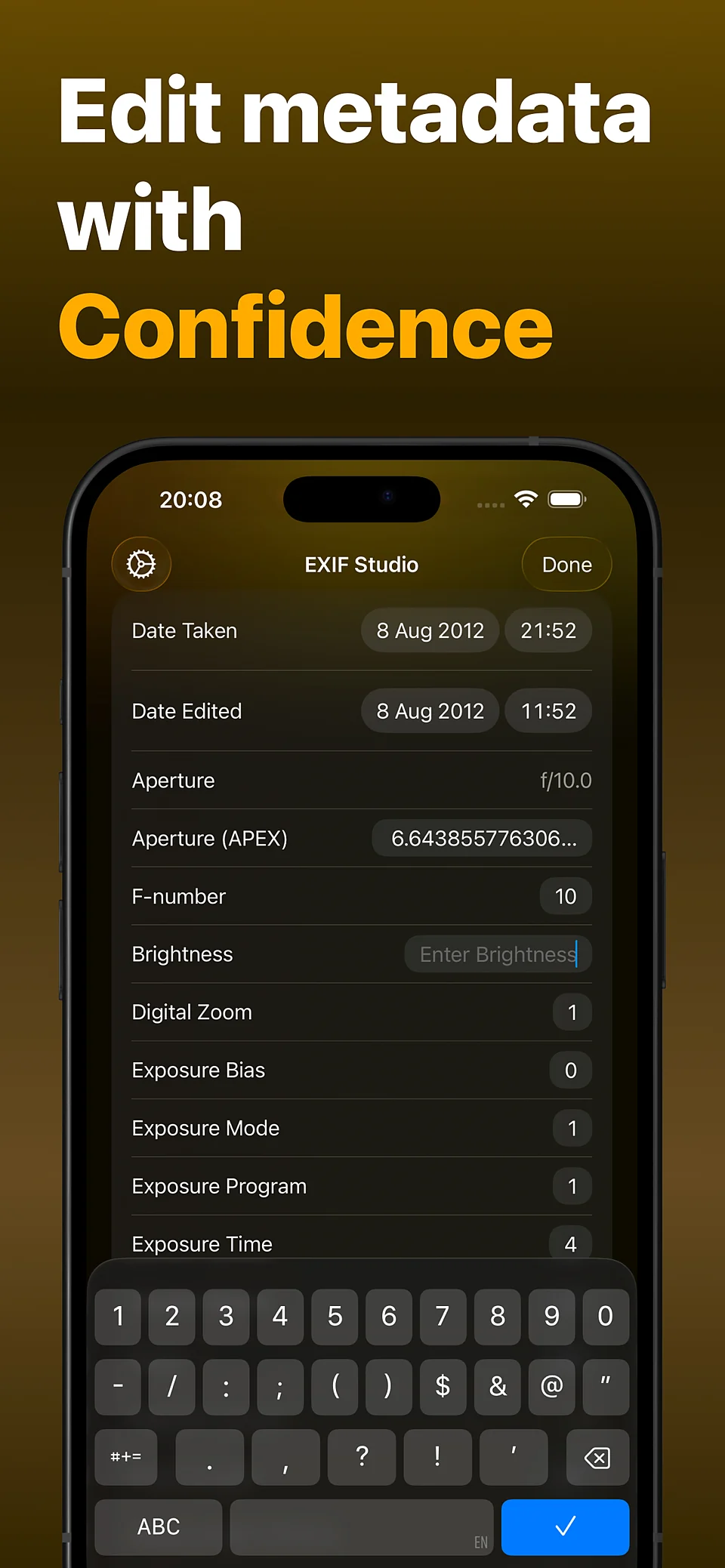
Pick, edit, save. EXIF Studio speeds up the flow.
Choose your photo; EXIF Studio pulls its metadata automatically.
Tweak GPS, IPTC fields or strip unwanted data.
Save the cleaned photo and share with confidence.
EXIF Studio runs entirely on your device. Your photos and metadata stay with you.

One tap. Camera details, location, copyright, AI prompts, every trace gone, the photo stays untouched.
Open the photo in EXIF Studio and tap Remove Location in the GPS section. To clear everything at once, Remove All Metadata strips the camera details, date, copyright and AI prompts too. Nothing leaves your device.
No. EXIF Studio rewrites the metadata and copies the image data byte for byte, so your pixels are never re-encoded. Every save is then checked field by field, and Live Photos stay live.
The app is free to download, and reading and editing every field costs nothing. The free plan covers three saves, one map pick and one metadata paste a day. Pro lifts those limits and adds bulk editing for up to 30 photos, reusable presets and JSON or CSV export.
Yes. It reads the parameters written by Stable Diffusion (A1111), ComfyUI, Fooocus, InvokeAI and NovelAI, and detects C2PA Content Credentials. You can also mark a photo as AI-generated, or clear that mark, using the IPTC standard.
JPEG, PNG, HEIC and TIFF, on both iPhone and iPad.
No. Everything happens on your device: no account, no cloud processing, no data collection. The app works fine in airplane mode.
Questions, requests, feedback, or bug reports, drop us a line anytime.